
Mobile, AL · Mobile County
Certificate of Public Convenience and Necessity Application
This application is for individuals or legal entities seeking City of Mobile approval to operate a taxicab, shuttle, limousine, carriage, charter, or other transportation service.
- licensed online notary
- ~15 min average
- Notarized PDF emailed
What you’ll need
- Government-issued photo ID
- Webcam-enabled device (laptop or phone)
- This form, ready to upload as a PDF
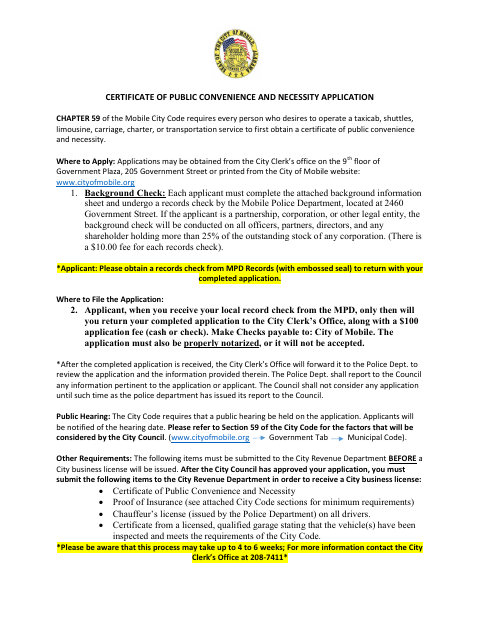
What this form is
Mobile requires a Certificate of Public Convenience and Necessity before a person or business operates the listed transportation services in the city. The application gathers applicant, ownership, vehicle, and background information and must be properly notarized. Applicants must also obtain a Mobile Police Department records check and submit the completed application with the fee to the City Clerk’s Office; a public hearing is part of the review process.
Who needs it
Any individual or legal entity seeking to operate a taxicab, shuttle, limousine, carriage, charter, or other transportation service within the City of Mobile needs this application.
Why it needs a notary
The application carries a sworn and subscribed jurat; the applicant signs the application before the notary, who completes the date and notarial portion.
How to get this notarized
- 1
Download the Application
Get the Certificate of Public Convenience and Necessity application from the City of Mobile website or City Clerk’s Office.
- 2
Complete the Application
Provide applicant, business, ownership, vehicle, and background details, and gather the records check and supporting information required by the form.
- 3
Book an Online Notary
Arrange a session with a commissioned online notary for the application’s sworn and subscribed jurat.
- 4
Sign on Video
Sign the application during the online notary session and complete the notarization.
- 5
Submit to the City
Return the completed, notarized application with the records check and $100 fee to the City Clerk’s Office as instructed.
Preview the form
The blank PDF straight from Mobile. Look it over, then upload your filled copy to start the notary session.

You’ll need ID and a webcam.
A licensed online notary will join you on video, verify your government-issued ID, witness your signature, and apply their seal. You’ll receive the notarized PDF by email when the session ends.
Frequently asked questions
- How do I submit this application?
- Complete the application and obtain the required Mobile Police Department records check. Return the notarized application with the $100 fee to the City Clerk’s Office as directed on the form.
- Do I need a background check for each owner?
- The form requires a background information sheet for each person with an ownership interest. For legal entities, it also describes records checks for officers, partners, directors, and shareholders holding more than 25% of corporate stock.
- Can I sign the application with a commissioned online notary?
- The form requires proper notarization. A commissioned online notary may be an option when the notarization is legally valid and accepted for this application; confirm with the city or town if unsure.
- What happens after the City Council approves the application?
- Before a City business license is issued, the form says to submit the certificate, proof of insurance, chauffeur’s licenses for all drivers, and a qualified garage inspection certificate to the City Revenue Department.