
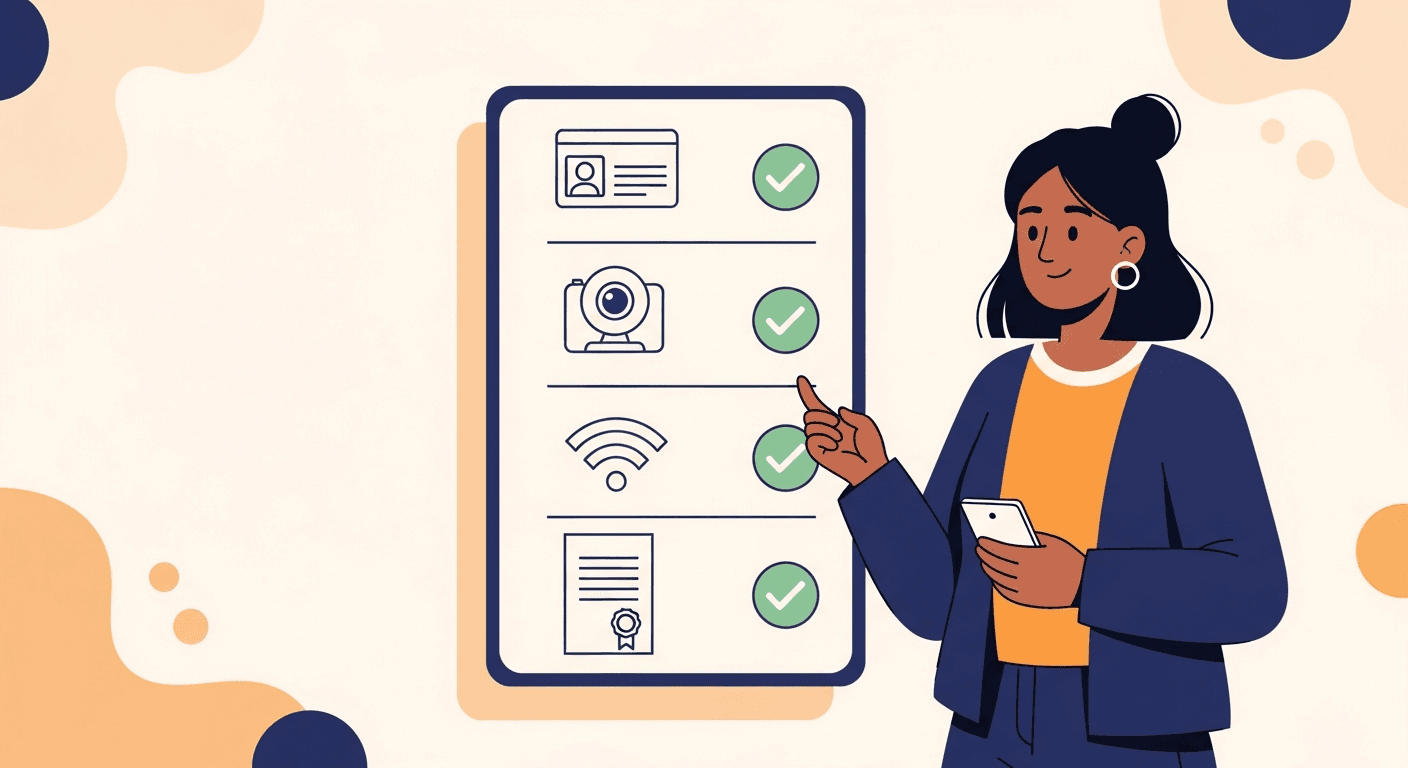
What You Need for Any Notarization Session
Three required items: Valid Government-Issued Photo ID — You must present a current, unexpired government-issued photo ID during your session. KBA Identity Verification — You must pass a short Knowledge-Based Authentication quiz before connecting with your notary. Required by Florida law. Device, Camera & Internet — A computer, tablet, or smartphone with a working webcam, microphone, and stable internet connection.
Valid Government-Issued Photo ID
Current, unexpired. Must match the name on the document being notarized.
KBA Identity Verification
Short quiz required by Florida law. Completed before connecting with your notary.
Device, Camera & Internet
Computer, tablet, or smartphone with webcam, microphone, and stable internet.
Accepted Forms of Photo ID
Expired IDs cannot be accepted under any circumstances. Your ID must match the name on the document being notarized.
Knowledge-Based Authentication (KBA)
What are KBA questions?+
How long does it take?+
Must be completed individually+
Important: You Have 2 Attempts to Pass KBA+
Signer Verification, Signature & Notary Seal
Identity Verification
Notary confirms ID matches document name in real-time.
Acknowledgement of Intent
Verbal confirmation of voluntary signing without duress.
Electronic Signature
Real-time signing during video session.
Official Notary Seal
The notary applies their Florida commission seal; our notarial certificate references Florida law (F.S. Chapter 117).
Notary Journal Entry
Every Rush Notary session is recorded and logged in the notary's official electronic journal as required by Florida law.
Secure Download
Immediately after the session, you will receive a secure email link to download your notarized document.
Technical & Document Requirements
Camera & Microphone
Working webcam and microphone required.
Stable Internet Connection
Minimum 10 Mbps recommended.
Document Format
PDF or Word (.docx) format.
Be the Signer
Only the person whose signature is being notarized may be present during the video session.
Location
You may be located anywhere in the world.
Compatible Devices
Windows PC, Mac, iPhone, iPad, Android phone or tablet.