
What it looks like
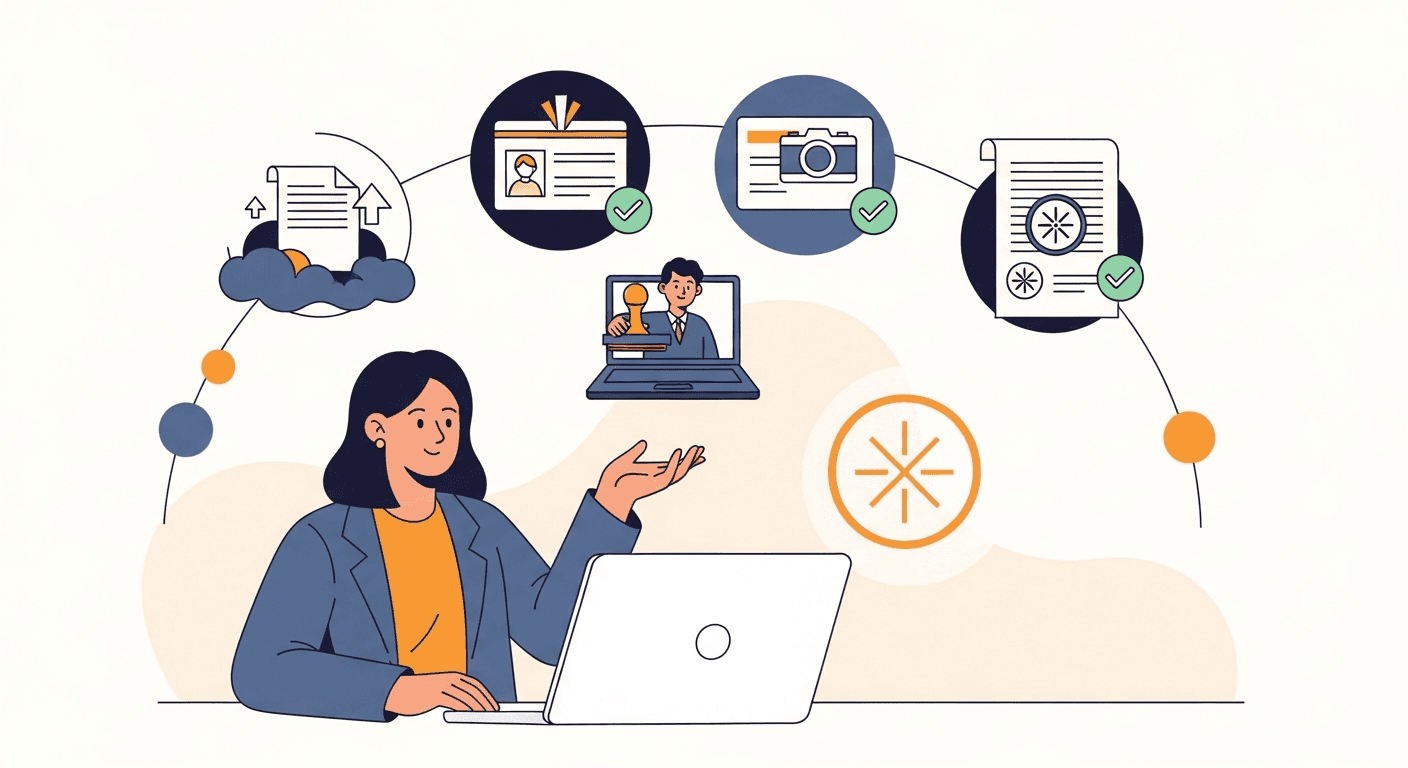
Notarize a document in 4 simple steps
From your phone or laptop, anywhere in Florida — under 10 minutes for most documents.
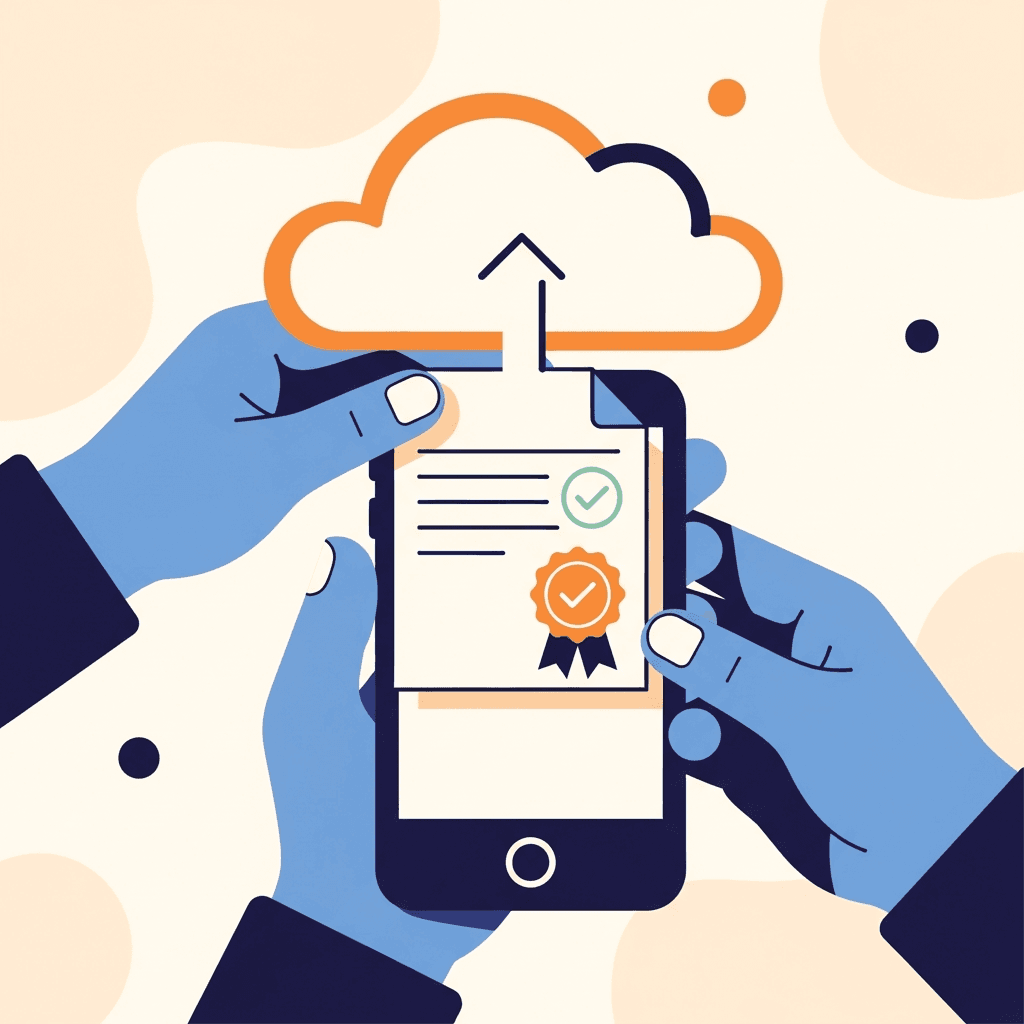
Upload your document
PDF or Word — your file stays encrypted end-to-end.

Verify your identity
Government photo ID plus KBA, required by Florida law.

Meet your notary live
Secure video session with a Florida-commissioned notary.

Receive the signed PDF
Notarized, sealed, and delivered to your inbox instantly.
Schedule a Notary Appointment
Plan ahead and book your certified notary for a specific date and time. Perfect for non-urgent documents or when you need time to prepare.
Choose Your Date & Time
Book at least 30 minutes in advance.
Confirm & Complete Payment
Uses Stripe; receive booking confirmation email.
Upload Your Document & Photo ID
Complete before appointment via secure interface.
Complete KBA Identity Verification
Answer "Knowledge-Based Authentication" questions.
Join Your Appointment & Sign Your Document
Join secure video session; notary verifies identity and applies electronic seal.
Download Your Notarized Document
Receive secure download link via email.
Direct Notary Connect — Talk to a Notary Right Now
No appointment needed. Connect instantly with an available certified notary and get your document notarized in minutes.
Upload Your Document
Accepted formats: PDF or Word (.docx).
Pass ID & KBA Verification
Present government-issued photo ID; answer KBA questions.
Connect Instantly with Your Notary
Live video call; sign electronically; receive seal in real time.
Download Your Notarized Document
Available immediately after session.
ID & KBA Requirements — Required for Both Processes
Requirements mandated by Florida state law for all Remote Online Notarization sessions.
Valid Government-Issued Photo ID
Driver's License · Passport or Passport Card · Government-Issued State ID
Knowledge-Based Authentication (KBA)
Takes approximately 2–3 minutes · Must be completed individually · Required by Florida state law
Technical Requirements
Stable internet connection · Webcam & microphone · Computer, tablet, or smartphone · Document in PDF or Word format