
Alabaster, AL · Shelby County
Public Records Request and 911 Call Affidavit
This packet lets Alabaster residents request city records and includes a sworn affidavit for eligible people seeking a restricted 911 call recording.
- licensed online notary
- ~15 min average
- Notarized PDF emailed
What you’ll need
- Government-issued photo ID
- Webcam-enabled device (laptop or phone)
- This form, ready to upload as a PDF
What this form is
Use the request form to ask the City Clerk’s office to inspect or copy public records, describing the records as specifically as possible. The packet also includes an affidavit for a 911 call recording request; the form says eligible requesters must submit a sworn affidavit, and those unable to do so need a court order. The city notes that this request form does not apply to Municipal Court records.
Who needs it
People requesting city records can use the request form; eligible requesters seeking a 911 recording must also complete the affidavit and provide required identification.
How to get this notarized
- 1
Download the Form
Get the public records request packet and review its instructions, fee information, and 911 call affidavit requirements.
- 2
Complete the Request
Fill in your contact details and describe the records you want as specifically as possible.
- 3
Prepare the Affidavit
If requesting a 911 recording, complete the affidavit and gather the identification required by the form.
- 4
- 5
Sign on Video
Sign and swear to the affidavit during the online notary session, following the notary’s instructions.
- 6
Submit to the City
Send the completed request and any required affidavit to the City Clerk’s office using a submission method listed on the form.
Preview the form
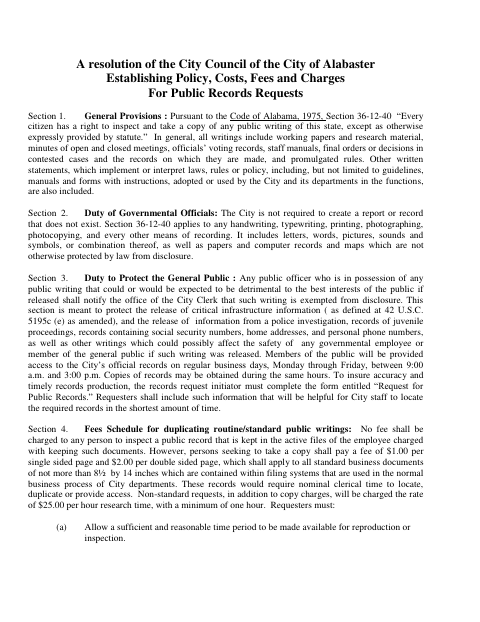
The blank PDF straight from Alabaster. Look it over, then upload your filled copy to start the notary session.

You’ll need ID and a webcam.
A licensed online notary will join you on video, verify your government-issued ID, witness your signature, and apply their seal. You’ll receive the notarized PDF by email when the session ends.
Frequently asked questions
- How do I request an Alabaster public record?
- Complete the request form with your contact information and a specific description of the records. Submit it to the City Clerk’s office using one of the methods listed on the form.
- Do I need a notary for every public records request?
- No. The form requires a sworn affidavit for eligible 911 call recording requests, not for routine public records requests. Contact the city if your request is unclear.
- Can I sign the 911 affidavit with a commissioned online notary?
- The affidavit requires the requester to swear before a notary. Alabama recognizes certain out-of-state acknowledgments when they comply with the law where taken and bear the officer’s official seal; confirm with the city or town if unsure.
- What if I cannot provide the 911 affidavit?
- The form states that a court order is required before 911 call information can be released when a requester cannot submit the affidavit.