
Oakley, CA · Contra Costa County
Business A-Frame Sign Form
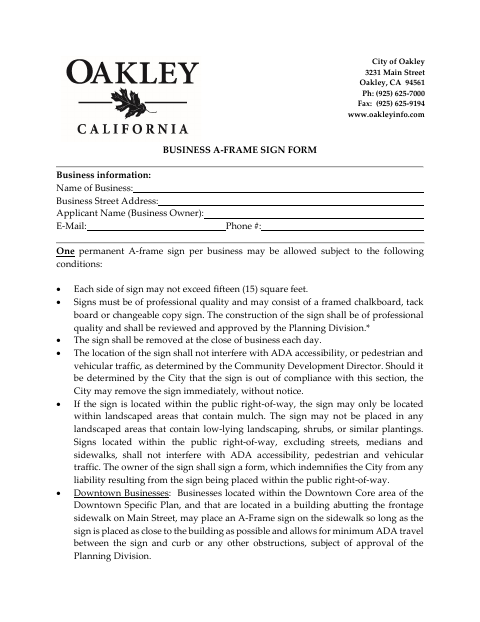
Oakley businesses use this form to provide business and applicant information and request approval for one permanent A-frame sign.
What this form is
The form sets out Oakley’s conditions for a business A-frame sign, including size, placement, daily removal, and Planning Division review. Businesses provide their name, address, and applicant contact information, attach a picture or conceptual drawing, and sign and date the acknowledgment. It also includes an indemnity statement for signs placed in landscaped areas within the public right-of-way.
Who needs it
An Oakley business seeking to place one permanent A-frame sign should complete this form and provide the required sign image or drawing.
How to submit it
Attach a picture or conceptual drawing of the A-frame sign and mail the form to City Hall, 3231 Main Street, Oakley, CA 94561, Attn: Planning Division.
About notarization
This document is signed without a notary; the applicant signs and dates the form and certifies the information under penalty of perjury.
How to submit this form
- 1
Download The Form
Download the Business A-Frame Sign Form PDF.
- 2
Complete The Form
Enter the business and applicant information, then review the sign conditions and acknowledgment.
- 3
Gather The Attachment
Attach a picture or conceptual drawing of the A-frame sign.
- 4
Sign And Mail
Sign and date the form, then mail it to City Hall, 3231 Main Street, Oakley, CA 94561, Attn: Planning Division.
Frequently asked questions
- Do I need a notary for the Business A-Frame Sign Form?
- No. The applicant signs and dates the form and certifies the information under penalty of perjury; no notary is required.
- How do I submit the Business A-Frame Sign Form?
- Attach a picture or conceptual drawing of the sign and mail the form to City Hall, 3231 Main Street, Oakley, CA 94561, Attn: Planning Division.
- What information does the form ask for?
- It asks for the business name and street address, applicant name, email, and phone number, along with the applicant’s signature and date.
- What attachment does the form require?
- The form says to attach a picture or conceptual drawing of the A-frame sign and mail it with the form to the Planning Division.
Need something notarized?
This Business A-Frame Sign Form doesn’t need a notary — but if you have another Oakley form that does, a commissioned online notary can help.