
Rockmart, GA · Polk County
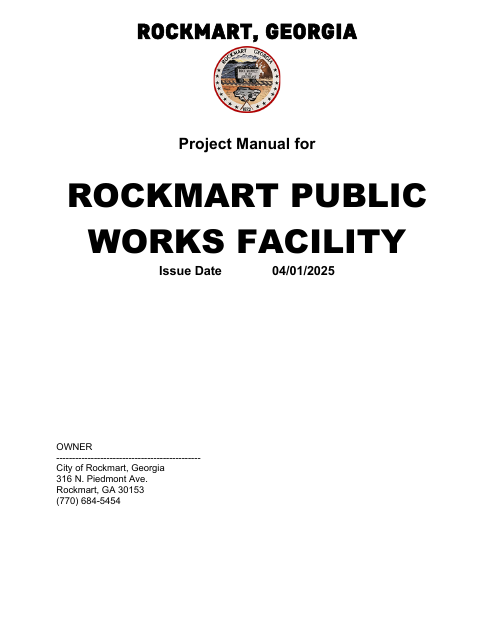
Public Works Facility Project Manual And Bid Forms
This project manual contains bid instructions and contractor affidavits for the City of Rockmart’s new Public Works Facility; prospective bidders complete and submit the applicable bid documents.
- licensed online notary
- ~15 min average
- Notarized PDF emailed
What you’ll need
- Government-issued photo ID
- Webcam-enabled device (laptop or phone)
- This form, ready to upload as a PDF
What this form is
The 81-page manual describes the project, bid submission requirements, and supporting documents, including E-Verify, non-collusion, and Prompt Pay Act affidavits. A bidder completes and submits the applicable forms with its bid according to the manual’s instructions; the E-Verify affidavit includes a sworn statement, and several affidavits include a notary block.
Who needs it
Contractors bidding on Rockmart’s New Public Works Facility should review the manual and complete the bid forms and affidavits that apply to their submission.
Why it needs a notary
The E-Verify, non-collusion, and Prompt Pay Act affidavits include subscribed-and-sworn jurat blocks; the bidder or authorized signer signs before the notary.
How to get this notarized
- 1
Download The Project Manual
Get the complete project manual from the City of Rockmart’s website and review the bidding requirements.
- 2
Complete Applicable Forms
Fill out the bid documents and applicable affidavits, leaving the notary sections for the notarization session.
- 3
Book An Online Notary
Schedule a video appointment with a commissioned online notary and have your identification and completed forms ready.
- 4
Sign On Video
Sign the affidavits before the notary, who completes the applicable jurat block.
- 5
Submit Your Bid
Include the required executed documents with your bid and submit it as directed in the project manual.
Preview the form
The blank PDF straight from Rockmart. Look it over, then upload your filled copy to start the notary session.

You’ll need ID and a webcam.
A licensed online notary will join you on video, verify your government-issued ID, witness your signature, and apply their seal. You’ll receive the notarized PDF by email when the session ends.
Frequently asked questions
- How do I get a bid affidavit notarized online?
- Complete the relevant affidavit, then meet with a commissioned online notary by video. Sign when directed so the notary can complete the jurat.
- Do I need to notarize every form in the project manual?
- The manual includes notary blocks on the E-Verify, non-collusion, and Prompt Pay Act affidavits. Follow the bid instructions for the documents that apply to your submission.
- Can I use an online notary for these affidavits?
- Georgia has no remote online notarization statute of its own. Georgia law recognizes acknowledgments taken by notaries of other states (O.C.G.A. §44-2-21); this manual calls for sworn jurats, so confirm with the city if unsure.
- Who signs the notarized affidavits?
- The bidder or authorized signer signs the applicable affidavit before the notary. The E-Verify affidavit also provides for an authorized officer or agent’s signature.