
Johnston, IA · Polk County
Temporary Construction Easement
This temporary construction easement lets a property owner grant the City of Johnston access to a described area of land for a specified public improvement project.
- licensed online notary
- ~15 min average
- Notarized PDF emailed
What you’ll need
- Government-issued photo ID
- Webcam-enabled device (laptop or phone)
- This form, ready to upload as a PDF
What this form is
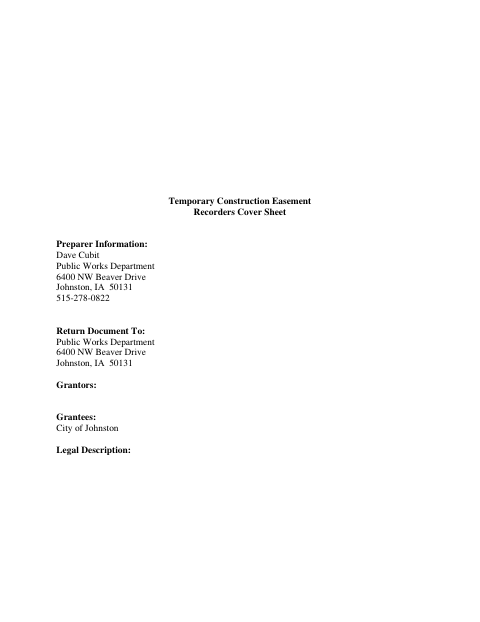
The property owner grants the City temporary access to the easement area to construct and install the improvement named in the document. The easement ends when the project is complete and accepted by the Johnston City Council, and the City agrees to restore the area to a comparable condition. The form includes a legal description reference, a grantor signature section, a notarial acknowledgment, and a city acceptance certificate.
Who needs it
A property owner whose land includes an area the City of Johnston needs to access temporarily for construction of a public improvement should complete this easement.
Why it needs a notary
The form carries a personal-appearance acknowledgment stating the signer executed the instrument voluntarily; each grantor signing the easement appears before the notary.
How to get this notarized
- 1
Download the Easement
Get the Temporary Construction Easement form and any required exhibits from the City of Johnston.
- 2
Complete the Form
Fill in the project, easement area, grantor, and signature details, and attach the referenced legal description exhibit.
- 3
Book an Online Notary
Arrange a session with a commissioned online notary for the grantor acknowledgment.
- 4
Sign on Video
Appear by video and acknowledge your signature when directed by the notary.
- 5
Submit to the City
Return the signed easement to the City of Johnston Public Works Department using its current submission instructions.
Preview the form
The blank PDF straight from Johnston. Look it over, then upload your filled copy to start the notary session.

You’ll need ID and a webcam.
A licensed online notary will join you on video, verify your government-issued ID, witness your signature, and apply their seal. You’ll receive the notarized PDF by email when the session ends.
Frequently asked questions
- How do I sign the temporary construction easement?
- Complete the grantor information, then appear before a commissioned online notary to acknowledge your signature. Follow the City’s instructions for returning the signed document.
- Do I need to include Exhibit B?
- The form describes the easement area by reference to an attached Exhibit B. Check that the required exhibit and project information are included; confirm with the city if unsure.
- Can I notarize this easement online?
- Iowa authorizes remote online notarization by a commissioned online notary under Iowa Code §9B.14A. Confirm the City’s document submission requirements before signing.
- Where should I send the completed form?
- The form lists the City of Johnston Public Works Department as the return recipient. Contact the department for current delivery instructions and any recording arrangements.