
Carleton, MI · Monroe County
Residential Rental Property Registration
Property owners use this form to register a residential rental property with the Village of Carleton.
What this form is
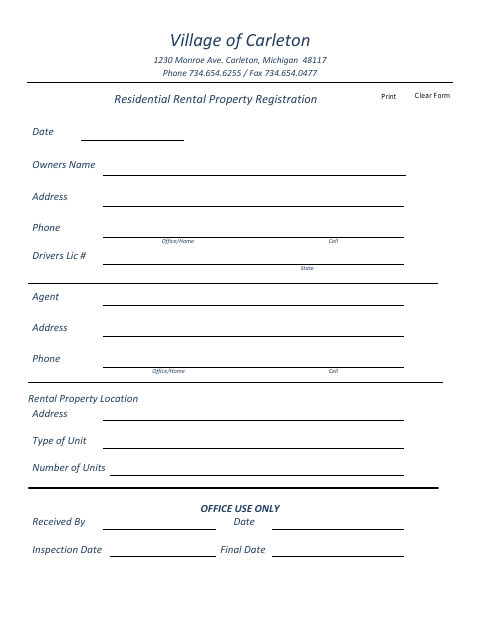
This form records a residential rental property and information about its owner and agent. It asks for contact details, a driver’s license number and state, the rental property’s location, the type of unit, and the number of units; the village office also has fields for receipt and inspection dates.
Who needs it
Owners registering a residential rental property in Carleton can use this form to provide property, owner, and agent information.
How to submit it
Submit it to the city department named on the form; check the city website for current contact details.
About notarization
No notary is required; the form has a date field and no notarized or sworn attachment, so the signer just signs and dates it.
How to submit this form
- 1
Download The Form
Download the Residential Rental Property Registration PDF.
- 2
Complete The Form
Enter the requested owner, agent, and rental property information, including the number and type of units.
- 3
Check For Attachments
The form text does not list any required attachments.
- 4
Submit The Form
Submit it to the city department named on the form; check the city website for current contact details.
Frequently asked questions
- What information does the Residential Rental Property Registration request?
- It requests the owner’s and agent’s names, addresses, and phone numbers, the owner’s driver’s license number and state, and the rental property’s location, unit type, and number of units.
- Do I need a notary for the Residential Rental Property Registration?
- No. The form has no notary block or notarized or sworn attachment; it includes a date field, and the signer just signs and dates it.
- How do I submit the Residential Rental Property Registration?
- Submit it to the city department named on the form; check the city website for current contact details.