
Moscow Mills, MO · Lincoln County
Communications Rights-of-Way Use Agreement Application
This application gathers an applicant’s qualifications, proposed facilities, services, construction plans, and background for a communications rights-of-way use agreement in Moscow Mills.
- licensed online notary
- ~15 min average
- Notarized PDF emailed
What you’ll need
- Government-issued photo ID
- Webcam-enabled device (laptop or phone)
- This form, ready to upload as a PDF
What this form is
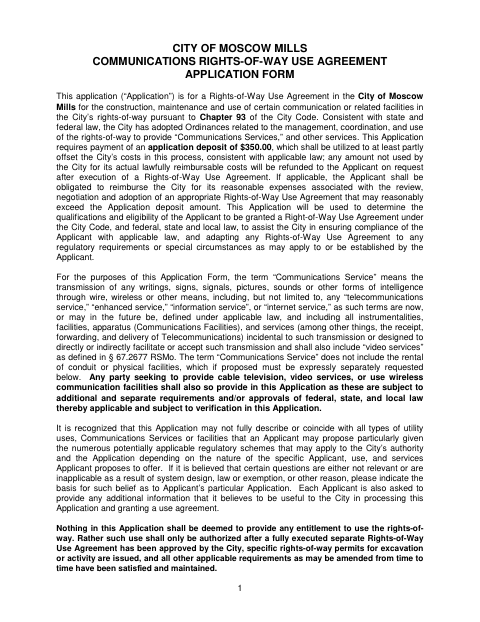
Moscow Mills uses this application to review a request to construct, maintain, or use communications or related facilities in city rights-of-way, including an initial request, transfer, or other proposed use. Applicants provide company and contact information, describe facilities and services, and submit construction, legal, and financial details with supporting documents. The form requires a $350 application deposit; submitting it does not grant permission to use the rights-of-way, which requires an approved, fully executed agreement and applicable permits.
Who needs it
An applicant seeking a Moscow Mills agreement to use city rights-of-way for communications or related facilities should complete this application and provide the requested supporting materials.
Why it needs a notary
The form has a Notary Public block after the applicant’s certification; the authorized applicant representative signs that certification before the notary.
How to get this notarized
- 1
Download The Application
Get the six-page Communications Rights-of-Way Use Agreement Application from the Moscow Mills website.
- 2
Complete The Application
Provide applicant information and requested details about facilities, services, construction plans, legal background, and finances. Include required supporting materials.
- 3
Book An Online Notary
Schedule a session with a commissioned online notary for the authorized representative’s certification.
- 4
Sign On Video
Show identification and sign the certification during the online notary session.
- 5
Submit To The City
Submit the notarized application, attachments, and required deposit to Moscow Mills for review.
Preview the form
The blank PDF straight from Moscow Mills. Look it over, then upload your filled copy to start the notary session.

You’ll need ID and a webcam.
A licensed online notary will join you on video, verify your government-issued ID, witness your signature, and apply their seal. You’ll receive the notarized PDF by email when the session ends.
Frequently asked questions
- How do I complete the notarized application?
- Complete the application and gather its required attachments. Book with a commissioned online notary, sign the certification during your video session, then submit the application to Moscow Mills.
- Do I need to sign in front of a notary?
- Yes. The application ends with the applicant’s certification and a Notary Public block, so the authorized representative should sign before the notary.
- Can I use an online notary for this form?
- Missouri authorizes remote online notarization by its notaries under RSMo §486.1100 to §486.1205. Confirm with the city or town if unsure whether it accepts an online-notarized application.
- Does submitting the application authorize use of city rights-of-way?
- No. The form says use is authorized only after the City approves a fully executed separate agreement, issues specific permits where required, and applicable requirements are satisfied.