
St. Ignatius, MT · Lake County
Employment Application
This fillable employment application collects work, education, reference, and personal details from people applying for a position with an employer.
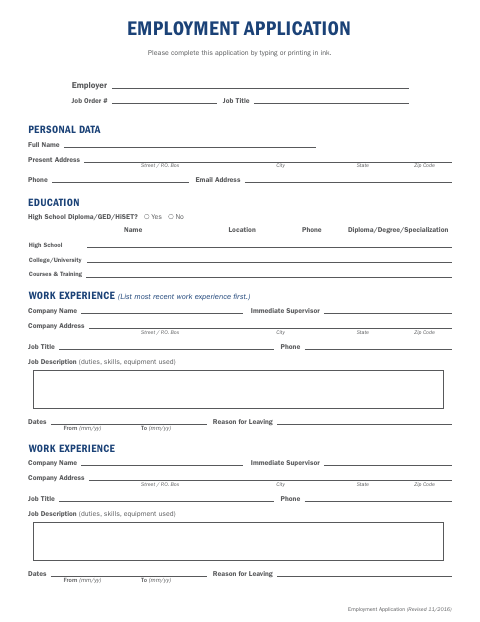
What this form is
This generic employment application is for people applying for a position with an employer that accepts it. It asks for personal and contact information, work experience, education, references, additional skills, accommodation needs, and permission to contact former employers; the applicant certifies the information is true and complete.
Who needs it
People applying for a position with an employer that accepts this generic application can use it to provide their work history and qualifications.
How to submit it
Submit it to the city department named on the form; check the city website for current contact details.
About notarization
This application is signed without a notary; the applicant certifies the information and authorizes former employers, then signs and dates it.
How to submit this form
- 1
Download The Application
Download the Employment Application PDF.
- 2
Complete The Application
Type or print in ink, and provide your personal details, work history, education, references, and other requested information.
- 3
Gather Attachments
The document does not specify any required attachments.
- 4
Submit The Application
Submit it to the city department named on the form; check the city website for current contact details.
Frequently asked questions
- What information does the Employment Application ask for?
- It asks for personal and contact details, work experience, education, references, other relevant experience, licenses or special skills, accommodation needs, and whether you want notice before your current employer is contacted.
- Do I need a notary for the Employment Application?
- No. The application is signed without a notary; the applicant certifies the information, authorizes former employers to release job-related information, and signs and dates the form.
- How do I submit the Employment Application?
- The document does not specify a submission department or contact details. Submit it to the city department named on the form; check the city website for current contact details.