
Pennsauken, MT · Camden County
License Application / Background Check
This license application and background-check form collects personal and business details from applicants seeking a Pennsauken township license.
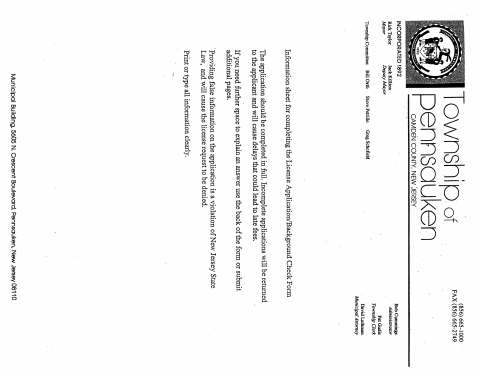
What this form is
The form combines a township license application with authorization for the Pennsauken Police Department to investigate the applicant’s background and activities. It asks for personal details, business information, license location, and information about any crime or disorderly persons offense convictions. The applicant certifies the information is true and complete, signs and dates the application, and the form includes an approval or denial field.
Who needs it
Applicants for a Pennsauken township license can use this form to provide background information and authorize a police investigation.
How to submit it
Submit it to the city department named on the form; check the city website for current contact details.
About notarization
This document is signed without a notary; the applicant signs and dates the application, with no notarized attachment or related step stated.
How to submit this form
- 1
Download The Application
Download the License Application / Background Check PDF.
- 2
Complete The Form
Fill in the requested personal and business details and answer the conviction question.
- 3
Sign And Date
Sign and date the application to certify the information is true and complete and authorize the investigation.
- 4
Submit The Application
Submit it to the city department named on the form; check the city website for current contact details.
Frequently asked questions
- What information does the background-check application request?
- It requests personal details, business information, the location where the license will operate, and information about any crime or disorderly persons offense convictions.
- Do I need a notary for the Pennsauken background-check application?
- No. The applicant signs and dates this form without a notary, and the document does not state that an attachment or related step must be notarized.
- How do I submit the Pennsauken license application?
- Submit it to the city department named on the form; check the city website for current contact details.
Need something notarized?
This License Application / Background Check doesn’t need a notary — but if you have another Pennsauken form that does, a commissioned online notary can help.