
South Kingstown, RI · Washington County
Elderly Tax Credit Annual Application
South Kingstown residents who meet the age, ownership, residency, and income requirements use this annual application to request an elderly tax credit from the Department of Assessment.
- licensed online notary
- ~15 min average
- Notarized PDF emailed
What you’ll need
- Government-issued photo ID
- Webcam-enabled device (laptop or phone)
- This form, ready to upload as a PDF
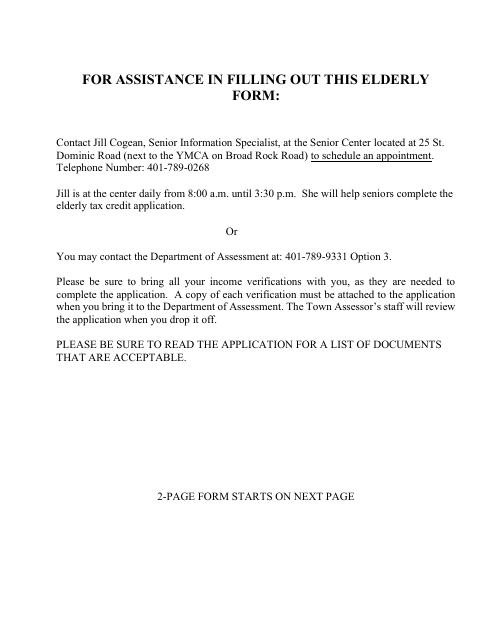
What this form is
The application asks about household members, property ownership, voting registration, and gross household income for January 1 through December 31, 2025. Applicants must provide a copy of a driver’s license and annual income verification, including a federal tax return, and attach copies of supporting documents. South Kingstown requires filing by May 15, 2026, for the stated deadline; applications filed later may receive an abatement after the tax bill is issued.
Who needs it
Applicants seeking South Kingstown’s elderly tax credit must meet the form’s age, property ownership, five-year residency, domicile, and household income requirements.
How to get this notarized
- 1
Download the Application
Get the 2026 Elderly Tax Credit Annual Application from the South Kingstown website.
- 2
Complete the Form
Fill in every field and gather the required driver’s license copy and income verification documents.
- 3
Book an Online Notary
Schedule a session with a commissioned online notary before signing the sworn application.
- 4
Sign on Video
Show identification and sign the application during the online notary session.
- 5
Submit to the Town
Attach copies of the required documents and deliver the application to the South Kingstown Department of Assessment.
Preview the form
The blank PDF straight from South Kingstown. Look it over, then upload your filled copy to start the notary session.

You’ll need ID and a webcam.
A licensed online notary will join you on video, verify your government-issued ID, witness your signature, and apply their seal. You’ll receive the notarized PDF by email when the session ends.
Frequently asked questions
- How do I apply for the elderly tax credit?
- Complete the application, attach the required driver’s license and income verification copies, sign before a notary, and submit it to the South Kingstown Department of Assessment.
- Do I need to sign the application in front of a notary?
- Yes. The form says not to sign unless you are in the presence of a notary and includes a “Subscribed and sworn to before me” jurat.
- Can I sign this form with an online notary?
- Rhode Island law authorizes remote online notarization by a commissioned online notary under R.I. Gen. Laws §§42-30.1-12.1 and 42-30.1-12.2. Check that the receiving office accepts the notarized form.
- Where do I submit the completed application?
- The form directs applicants to bring the application and copies of income verifications to the Department of Assessment. Confirm with the city or town clerk if unsure.