
Edmonds, WA · Snohomish County
Private Stormwater BMP Covenant
This declaration records a property owner’s commitments to maintain private stormwater best management practices and is filed for property with a City of Edmonds-approved BMP.
- licensed online notary
- ~15 min average
- Notarized PDF emailed
What you’ll need
- Government-issued photo ID
- Webcam-enabled device (laptop or phone)
- This form, ready to upload as a PDF
What this form is
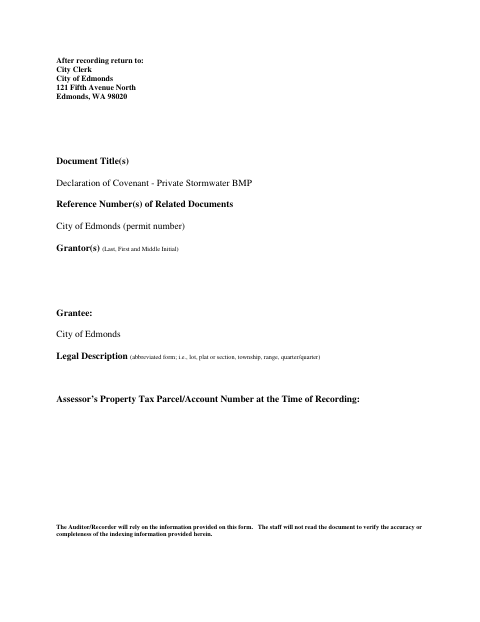
This six-page declaration creates a covenant for property with private stormwater best management practices (BMPs), such as a rain garden, infiltration facility, or detention system. Owners agree to maintain and inspect the BMP, allow city access for inspections or repairs, and bind future owners to the covenant. The form states that Edmonds allows BMP installation subject to execution and recording of the declaration, and includes spaces for the legal description and approved site plan as exhibits.
Who needs it
A property owner whose private stormwater BMP installation has been allowed by the City of Edmonds must complete and record this covenant for the affected property.
Why it needs a notary
The form includes a corporate acknowledgment, and the corporation’s representative must acknowledge signing the declaration before a commissioned online notary.
How to get this notarized
- 1
Download The Covenant
Get the City of Edmonds Private Stormwater BMP Covenant and review the declaration and signing blocks.
- 2
Complete The Form
Enter the property and corporate information, and attach Exhibit A with the legal description and Exhibit B with the site plan.
- 3
Book An Online Notary
Schedule a remote appointment for the corporation’s representative to acknowledge the document.
- 4
Sign On Video
The representative signs and acknowledges the covenant during the online notary session.
- 5
Submit For Recording
Follow the form’s recording and return instructions, then submit the recorded document to the City of Edmonds.
Preview the form
The blank PDF straight from Edmonds. Look it over, then upload your filled copy to start the notary session.

You’ll need ID and a webcam.
A licensed online notary will join you on video, verify your government-issued ID, witness your signature, and apply their seal. You’ll receive the notarized PDF by email when the session ends.
Frequently asked questions
- How do I notarize the corporate acknowledgment?
- Complete the declaration and exhibits, then book an online appointment. The corporation’s representative signs and acknowledges the document during the video session with a commissioned online notary.
- Do I need to attach the legal description and site plan?
- The declaration incorporates Exhibit A, the legal description, and Exhibit B, the site plan. Attach the applicable exhibits when preparing the document.
- Can I complete the notarization remotely?
- Washington authorizes remote online notarization by its commissioned notaries under RCW 42.45.280. An authorized officer’s notarial act performed in another state has the same effect under RCW 42.45.090; confirm with the city or town if unsure.
- Where do I submit the completed covenant?
- The form says to return the recorded document to the City Clerk of Edmonds and provides the city’s address. Documents headed to a county auditor may be submitted through e-recording where supported, usually through a title company.