
San Clemente, CA · Orange County
Short-Term Apartment Rental Permit Application
This application is for property owners and applicants seeking a Short-Term Apartment Rental permit, and includes project details, environmental questions, and a notarized application certification.
- California-licensed notary
- ~15 min average
- Notarized PDF emailed
What you’ll need
- Government-issued photo ID
- Webcam-enabled device (laptop or phone)
- This form, ready to upload as a PDF
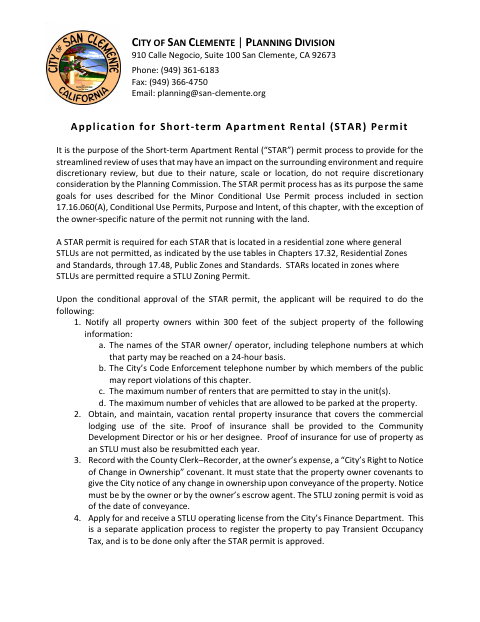
What this form is
San Clemente requires a STAR permit for each short-term apartment rental in a residential zone where general short-term lodging uses are not permitted. The application package includes project and environmental information, plans, and public-noticing materials; an incomplete package may delay review. The application certification must be signed and notarized before submission, and the form says the owner must sign, along with the applicant if they are different.
Who needs it
Property owners and applicants proposing a short-term apartment rental in a residential zone where general short-term lodging uses are not permitted need this application.
How to get this notarized
- 1
Download The Application
Download the City of San Clemente STAR permit application and review its checklist and submission instructions.
- 2
Fill Out The Forms
Complete the application certification, project description, residential project summary, and environmental checklist; prepare the required supporting materials.
- 3
Book An Online Notary
Arrange notarization of the application certification with a commissioned online notary, subject to applicable California requirements.
- 4
Sign Before The Notary
The applicant signs the affidavit before the notary; the owner must also sign if different from the applicant.
- 5
Submit To The City
Submit the completed application package and required materials to the San Clemente Planning Division.
Preview the form
The blank PDF straight from San Clemente. Look it over, then upload your filled copy to start the notary session.

You’ll need ID and a webcam.
A licensed California online notary will join you on video, verify your government-issued ID, witness your signature, and apply their seal. You’ll receive the notarized PDF by email when the session ends.
Frequently asked questions
- How do I prepare the STAR permit application?
- Complete the application certification, project description, residential project summary, and environmental checklist, and gather the plans and public-noticing materials listed by the City. The application certification must be signed and notarized before submission.
- Do I need a notarized signature for this application?
- Yes. The application instructions say the application certification must be signed and notarized by the property owner and by the applicant if they are different. Its affidavit includes a jurat.
- Can I use an online notary for this California form?
- California notaries cannot perform remote online notarization until the Secretary of State certifies the technology or 2030. California recognizes out-of-state notarizations under Civil Code §1189(b); ask a commissioned online notary about availability, and confirm with the city if unsure.
- What must be included with the application?
- The form lists an application certification, project description, environmental checklist, project narrative, fees, development plans, and public-noticing materials. Planning staff may require additional items, and an incomplete package can delay processing.