
Department of Planning and Natural Resources, VI · St. Thomas
Major Water Permit Application
This 31-page Department of Planning and Natural Resources application is for applicants seeking a major permit for proposed development or work affecting territorial land or coastal waters.
- licensed online notary
- ~15 min average
- Notarized PDF emailed
What you’ll need
- Government-issued photo ID
- Webcam-enabled device (laptop or phone)
- This form, ready to upload as a PDF
What this form is
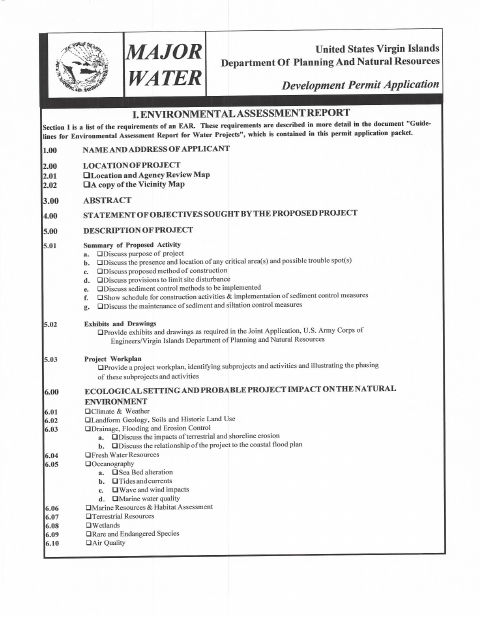
The application gathers applicant, property, project, zoning, and development details for Department of Planning and Natural Resources review. It includes a permit application, zoning requirements table, major project summary, and a draft application letter that requests consideration of a Department of the Army permit. Applicants provide project information and signatures; the form text does not identify when the department requires this application beyond applying for the listed permits.
Who needs it
Applicants or their agents seeking a major permit for proposed development or work described in the Department of Planning and Natural Resources application should complete the relevant sections.
Why it needs a notary
The supplied form text shows signature lines for the applicant or agent and property owner, but no jurat or acknowledgment block requiring anyone to sign before a notary.
How to get this notarized
- 1
Download the Application
Get the Major Water Permit Application and review its sections, including the permit application, zoning table, and major project summary.
- 2
Complete the Form
Enter the applicant, property, project, and zoning details requested, and complete the applicable sections.
- 3
Confirm Signature Requirements
Check with the Department of Planning and Natural Resources about any additional signature or notarization requirements.
- 4
Book an Online Notary if Needed
If the agency accepts online notarization and requests it, book with a commissioned online notary.
- 5
Sign and Submit
Sign as directed, then submit the completed application to the Department of Planning and Natural Resources.
Preview the form
The blank PDF straight from Department of Planning and Natural Resources. Look it over, then upload your filled copy to start the notary session.

You’ll need ID and a webcam.
A licensed online notary will join you on video, verify your government-issued ID, witness your signature, and apply their seal. You’ll receive the notarized PDF by email when the session ends.
Frequently asked questions
- What information does the major water permit application request?
- It requests applicant and property details, the activity location, proposed work, zoning information, and a major project summary. It also includes a draft application letter.
- Do I need to have this application notarized?
- The supplied form text shows signature lines for the applicant or agent and property owner, but no notary block. Check with the receiving agency if you have been asked to provide notarization.
- How do I arrange online notarization if the agency requests it?
- Confirm the agency's requirements first. If it accepts online notarization, book with a commissioned online notary and sign during the video session.
- Who signs the application?
- The form provides a signature line for the applicant or agent and requires signatures from the property owner or owners.
- Will an online notarization be accepted?
- The supplied form does not address online notarization. Acceptance can depend on the receiving agency; confirm with the receiving agency or the Recorder of Deeds if unsure.
Other forms in Department of Planning and Natural Resources
Boat Bill Of Sale
Department of Planning and Natural Resources
Major Development Permit Application
Department of Planning and Natural Resources
Minor Land Permit Application
Department of Planning and Natural Resources
Minor Water Permit Application
Department of Planning and Natural Resources
Vessel Bill of Sale
Department of Planning and Natural Resources
Vessel Ownership Affidavit
Department of Planning and Natural Resources