
Liberty, MO · Clay County
Rights-of-Way Use Agreement Application
This six-page application is for an organization seeking City of Liberty approval to construct, maintain, or use city rights-of-way for communications services, utilities, or other facilities.
- licensed online notary
- ~15 min average
- Notarized PDF emailed
What you’ll need
- Government-issued photo ID
- Webcam-enabled device (laptop or phone)
- This form, ready to upload as a PDF
What this form is
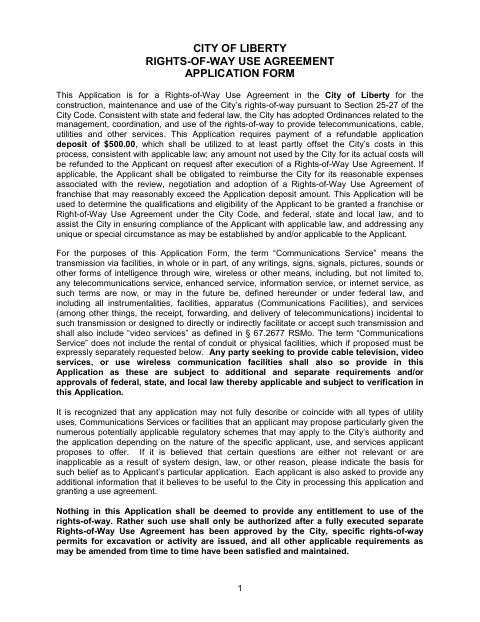
The application gathers information about the applicant, proposed facilities and services, construction plans, legal and financial background, and supporting documents. Liberty uses it to assess an applicant’s qualifications and eligibility for a rights-of-way use agreement; the form states that submitting an application does not itself authorize use. The application identifies a refundable $500 deposit and includes an authorized-representative signature area with a Notary Public designation.
Who needs it
An organization seeking a Liberty rights-of-way use agreement for proposed construction, maintenance, or services should complete this application and provide the requested supporting materials.
Why it needs a notary
The application has an authorized-representative certification and signature area with a Notary Public designation; the authorized representative signs for the applicant before the notary.
How to get this notarized
- 1
Download the Application
Get the Rights-of-Way Use Agreement Application from the City of Liberty.
- 2
Fill Out the Form
Complete the applicant, proposed services, construction, legal, and financial sections, and gather requested attachments.
- 3
Book an Online Notary
Schedule a remote session for the applicant’s authorized representative with a commissioned online notary.
- 4
Sign on Video
The authorized representative signs during the online session and completes the form’s notarial step.
- 5
Submit to the City
Follow Liberty’s instructions to submit the completed application and supporting materials.
Preview the form
The blank PDF straight from Liberty. Look it over, then upload your filled copy to start the notary session.

You’ll need ID and a webcam.
A licensed online notary will join you on video, verify your government-issued ID, witness your signature, and apply their seal. You’ll receive the notarized PDF by email when the session ends.
Frequently asked questions
- How do I get the application notarized online?
- Complete the form, then book with a commissioned online notary. The authorized representative signs during a live video session, and the notary completes the required notarial act.
- Do I need to notarize this application?
- The application’s authorized-representative signature area includes a Notary Public designation. Confirm the city’s signing and submission instructions before completing the form.
- Can a remote online notarization be used for this form?
- Missouri authorizes remote online notarization by its own notaries under RSMo §486.1100 to §486.1205. Ask Liberty whether it accepts an electronically notarized application; confirm with the city or town if unsure.
- What should I prepare before applying?
- The form requests applicant and contact details, service and facility plans, legal and financial information, and supporting documents. It also calls for a copy of qualifying identification for the applicant or an entity’s authorized agent.