
Wyckoff, NJ · Bergen County
Subdivision Application and Instructions
This 13-page packet includes the application, filing instructions, public notice materials, and an affidavit of proof of service for property owners seeking subdivision or related Planning Board approval.
- licensed online notary
- ~15 min average
- Notarized PDF emailed
What you’ll need
- Government-issued photo ID
- Webcam-enabled device (laptop or phone)
- This form, ready to upload as a PDF
What this form is
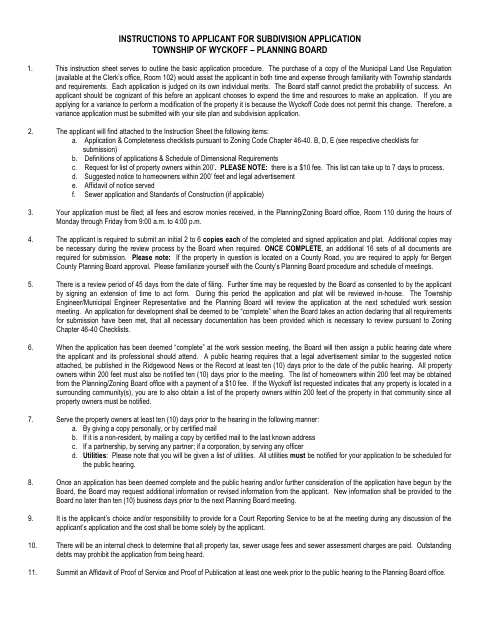
Wyckoff’s Planning Board packet guides applicants through requesting minor or major subdivision approval and includes application materials for related site plans and variances. Applicants use the affidavit of proof of service to report that required written notices were mailed or delivered to property owners within 200 feet and utilities. The instructions also explain filing, fees, supporting documents, public-hearing notice, and submission deadlines.
Who needs it
Property owners or their agents applying to Wyckoff’s Planning Board for subdivision approval may need this packet and its affidavit of proof of service.
How to get this notarized
- 1
Download the Packet
Download Wyckoff’s subdivision application and instructions packet.
- 2
Complete the Application
Fill in the applicable application sections and gather the required plans, notices, and supporting materials.
- 3
Prepare the Affidavit
Complete the proof-of-service affidavit after serving the required notices and assembling its attachments.
- 4
Book an Online Notary
Schedule a remote notarization session for the affidavit’s jurat.
- 5
Sign on Video
Swear or affirm the affidavit and sign it during the video session as directed by the notary.
- 6
Submit to the Township
File the completed application, affidavit, fees, and required supporting documents with Wyckoff’s Planning/Zoning Board office.
Preview the form
The blank PDF straight from Wyckoff. Look it over, then upload your filled copy to start the notary session.

You’ll need ID and a webcam.
A licensed online notary will join you on video, verify your government-issued ID, witness your signature, and apply their seal. You’ll receive the notarized PDF by email when the session ends.
Frequently asked questions
- How do I get the proof-of-service affidavit notarized?
- Complete the affidavit, then book a session with a commissioned online notary. Sign and swear or affirm its statements during the video session, following the notary’s instructions.
- Do I need to notarize the entire subdivision application?
- The packet identifies a jurat on the affidavit of proof of service. The application signatures are separate; check the Planning Board’s instructions or ask the Township which pages need notarization.
- Can I use online notarization for this affidavit?
- New Jersey has permanently authorized remote online and remote ink notarization for its own notaries since October 2021 (P.L. 2021, c.179; N.J.S.A. 52:7-10.9 et seq.). An authorized officer’s act performed in another state has the same effect under N.J.S.A. 52:7-10.14.
- Where do I submit the completed application packet?
- The instructions say to file the application, fees, and escrow monies with the Planning/Zoning Board office, Room 110. Confirm submission details with the Township, and confirm with the municipality if unsure.