
Wyckoff, NJ · Bergen County
Site Plan Application and Proof of Service
Wyckoff property owners or applicants file this Planning Board packet to request site plan or related zoning approval and document that required hearing notices were served.
- licensed online notary
- ~15 min average
- Notarized PDF emailed
What you’ll need
- Government-issued photo ID
- Webcam-enabled device (laptop or phone)
- This form, ready to upload as a PDF
What this form is
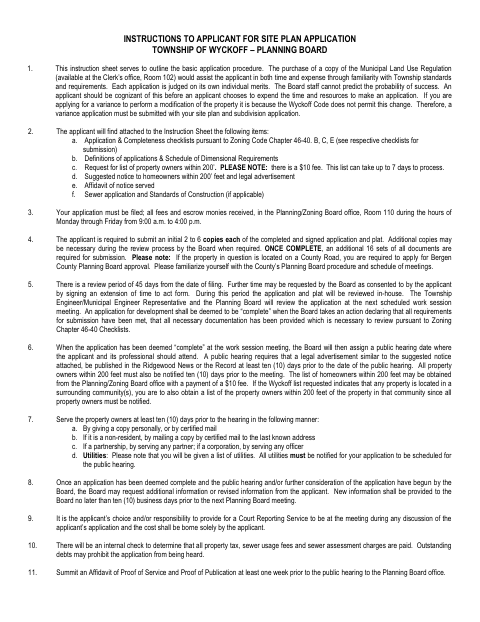
The packet collects project, property, zoning, and proposed-use details for a Wyckoff Planning Board application, including site plan approval, variances, and certain permits. Its instructions explain submission requirements and public-hearing notice procedures; applicants also use the included affidavit to attest that notices were delivered or mailed to property owners and utilities. The affidavit and supporting proof are submitted to the Planning Board office ahead of the hearing.
Who needs it
Property owners or their applicants seeking Wyckoff Planning Board site plan or related zoning approval use the application and, when required, the included proof-of-service affidavit.
Why it needs a notary
The packet includes a jurat in the Affidavit of Proof of Service; the applicant or agent making the sworn statement signs and swears to it before the notary.
How to get this notarized
- 1
Download the Packet
Download Wyckoff's Site Plan Application and Instructions packet from the Planning Board.
- 2
Complete the Application
Fill in the applicable project, property, zoning, and applicant details, and prepare the required notices and supporting materials.
- 3
Book an Online Notary
Schedule a video session with a commissioned online notary for the Affidavit of Proof of Service.
- 4
Sign on Video
The applicant or agent swears to and signs the affidavit during the online notarization session.
- 5
Submit to the City
Submit the application materials and proof of service to the Wyckoff Planning Board office as instructed.
Preview the form
The blank PDF straight from Wyckoff. Look it over, then upload your filled copy to start the notary session.

You’ll need ID and a webcam.
A licensed online notary will join you on video, verify your government-issued ID, witness your signature, and apply their seal. You’ll receive the notarized PDF by email when the session ends.
Frequently asked questions
- How do I notarize the proof-of-service affidavit?
- Complete the affidavit with the notice-service details, then meet with a commissioned online notary by video to swear to and sign the statement. Attach the notice, owner and utility list, and mailing receipts as directed.
- Do I need to notarize the entire site plan application?
- The packet's notary block appears in the Affidavit of Proof of Service, not throughout the application. The applicant or agent making that sworn statement signs before the notary.
- Can I use an online notary for this Wyckoff form?
- New Jersey has permanently authorized remote online notarization and remote ink notarization for its own notaries. A commissioned online notary can notarize the affidavit by video; confirm with the municipality if unsure.
- What should I submit with the proof-of-service affidavit?
- The affidavit says to attach a copy of the notice, the property-owner and utility list received from Wyckoff, and receipts for certified mail. Submit proof of service and publication to the Planning Board office at least one week before the public hearing.
Site Plan Application and Proof of Service in other New Jersey cities
Each city publishes its own version of this form. Pick the city where you’re filing.