
Bayonne, NJ · Hudson County
Right-of-Way Awning License Agreement
This agreement grants a property owner permission to install and maintain awnings extending into city rights-of-way, and sets out the owner’s payment, maintenance, insurance, and indemnification obligations.
- licensed online notary
- ~15 min average
- Notarized PDF emailed
What you’ll need
- Government-issued photo ID
- Webcam-enabled device (laptop or phone)
- This form, ready to upload as a PDF
What this form is
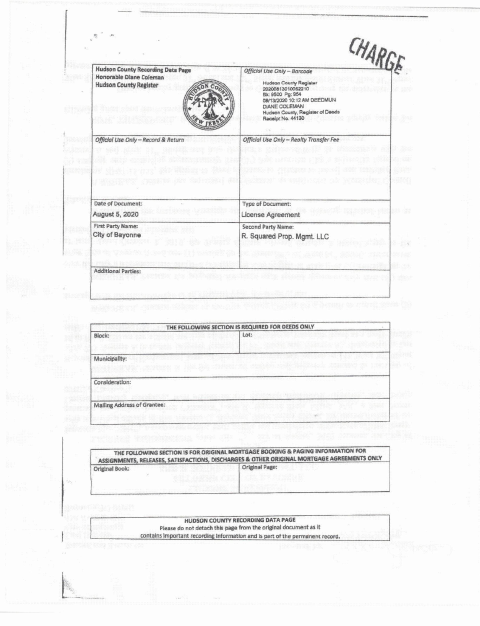
Bayonne uses this agreement to document a license for awnings that extend over sidewalks and into city rights-of-way. It identifies the license area and describes the owner’s responsibilities, including paying an annual fee, keeping the area clear, maintaining insurance, and protecting the City from claims. The agreement also provides for recording with the Hudson County Register at the grantee’s cost.
Who needs it
A property owner seeking permission to install and maintain awnings extending into a Bayonne right-of-way needs this agreement, subject to the stated city approvals and conditions.
Why it needs a notary
The agreement carries acknowledgment blocks for the property owner’s LLC representative and the City’s mayor; each signer appears before a notary and acknowledges the agreement.
How to get this notarized
- 1
Download the Agreement
Get the Bayonne right-of-way awning license agreement and review its terms and attached schedules.
- 2
Complete the Agreement
Fill in the requested agreement details and confirm the signer names and titles are accurate.
- 3
Book an Online Notary
Schedule an appointment for each signer whose acknowledgment is required.
- 4
Sign on Video
Each signer appears before the notary, signs as directed, and acknowledges the agreement.
- 5
Submit for Recording
Follow the agreement’s instructions for submitting it to the Hudson County Register for recording.
Preview the form
The blank PDF straight from Bayonne. Look it over, then upload your filled copy to start the notary session.

You’ll need ID and a webcam.
A licensed online notary will join you on video, verify your government-issued ID, witness your signature, and apply their seal. You’ll receive the notarized PDF by email when the session ends.
Frequently asked questions
- How do I get the awning license agreement notarized?
- Complete the agreement, then book an online appointment. The LLC representative and City representative should sign their respective acknowledgment blocks during the notarial appointment.
- Do I need to sign in front of the notary?
- Yes. The agreement includes acknowledgment blocks for the LLC representative and the City’s mayor. Each signer should appear before a notary and acknowledge the signed agreement.
- Can I use an online notary for this agreement?
- New Jersey has permanently authorized remote online notarization and remote ink notarization for its notaries since October 2021 (P.L. 2021, c.179, N.J.S.A. 52:7-10.9 et seq.). A commissioned online notary can perform a remote notarization.
- How is the signed agreement recorded?
- The agreement says the grantor submits it to the Hudson County Register for recording at the grantee’s cost. Counties that support e-recording may accept documents electronically, usually through a title company; confirm with the municipality if unsure.