
Office of the Lieutenant Governor, VI · St. Thomas
Insurance Holding Company Reporting Forms A–F
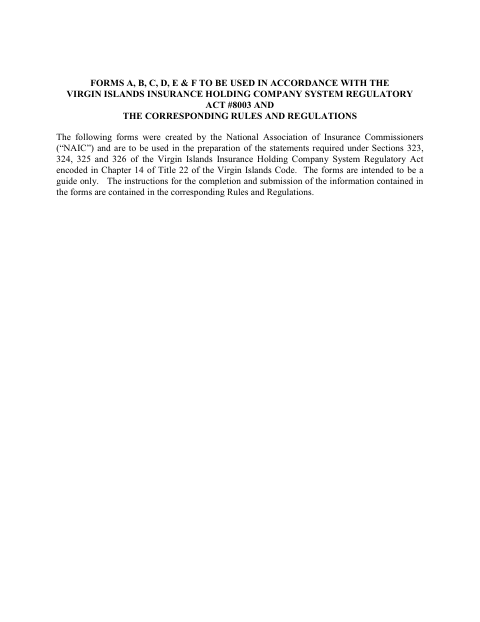
This six-form packet supports insurance holding company filings, including acquisition statements, annual registrations, change summaries, transaction notices, and enterprise risk information submitted to the Insurance Department.
- licensed online notary
- ~15 min average
- Notarized PDF emailed
What you’ll need
- Government-issued photo ID
- Webcam-enabled device (laptop or phone)
- This form, ready to upload as a PDF
What this form is
The packet contains Forms A through F for statements connected with insurance holding company systems. Insurers and applicants use the forms for matters such as proposed acquisitions, annual registration, changes to registration information, and advance notice of certain transactions. The form text says the forms are guides and directs filers to the corresponding rules and regulations for submission instructions. Form A includes a sworn certification, while the other forms have their own signature and certification requirements.
Who needs it
Applicants seeking control of a domestic insurer and insurers or registrants reporting holding company system information may need the relevant forms in this packet.
Why it needs a notary
Form A carries a sworn certification stating the signer deposes and says the application is accurate; the authorized applicant representative signs before a notary.
How to get this notarized
- 1
Download the Forms
Download the Forms A–F packet and identify which form applies to your insurance holding company filing.
- 2
Complete the Applicable Form
Fill in the requested information and follow the corresponding rules and regulations for preparation and submission.
- 3
Book an Online Notary
If completing Form A’s sworn certification, book a session with a commissioned online notary.
- 4
Sign on Video
Show identification and sign the certification during the online notary session as directed.
- 5
Submit the Filing
Submit the completed form and any required attachments to the receiving Insurance Department, after confirming its filing requirements.
Preview the form
The blank PDF straight from Office of the Lieutenant Governor. Look it over, then upload your filled copy to start the notary session.

You’ll need ID and a webcam.
A licensed online notary will join you on video, verify your government-issued ID, witness your signature, and apply their seal. You’ll receive the notarized PDF by email when the session ends.
Frequently asked questions
- Which form in this packet includes a notarized certification?
- Form A includes a certification in which the signer deposes and says the application is accurate to the best of their knowledge, information, and belief.
- How do I notarize the Form A certification online?
- Complete the form, then meet with a commissioned online notary by video and sign as directed. Ask the Insurance Department or Recorder of Deeds whether it will accept this notarization before you submit.
- Do I need to notarize every form in the packet?
- The supplied text identifies a sworn certification in Form A. It does not establish that every form requires notarization, so check the applicable filing instructions and confirm with the receiving agency or the Recorder of Deeds if unsure.
- Who files these insurance holding company forms?
- The packet is for applicants and insurance companies preparing statements about acquisitions, registration, changes, transactions, and related holding company information for submission to an Insurance Department.
Other forms in Office of the Lieutenant Governor
Affidavit of Lost Instrument
Office of the Lieutenant Governor
Affidavit of Lost Instrument (Power of Attorney)
Office of the Lieutenant Governor
Affidavit of Translation
Office of the Lieutenant Governor
Affidavit Payment of Certain Debts Without Administration
Office of the Lieutenant Governor
Appointment of Insurance Producer
Office of the Lieutenant Governor
Appointment of Solicitor
Office of the Lieutenant Governor