
Office of the Lieutenant Governor, VI · St. Thomas
Certificates and Schedules for Reinsurance Compliance
This 15-page packet contains certificates and reporting schedules for assuming insurers and reinsurers submitting information under the Virgin Islands Credit for Reinsurance Act.
- licensed online notary
- ~15 min average
- Notarized PDF emailed
What you’ll need
- Government-issued photo ID
- Webcam-enabled device (laptop or phone)
- This form, ready to upload as a PDF
What this form is
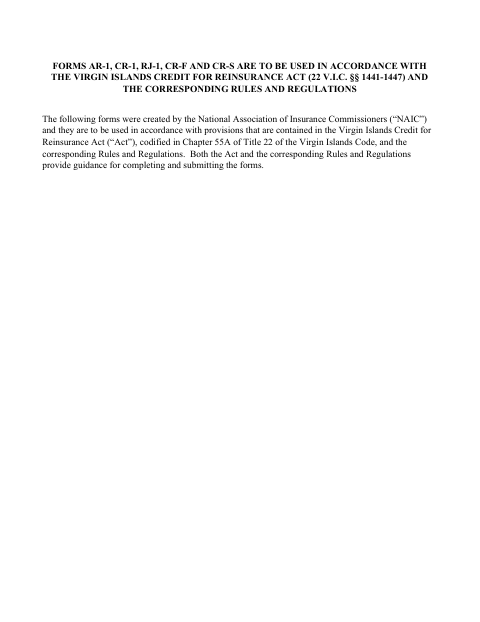
The packet includes Forms AR-1, CR-1, and RJ-1, along with Forms CR-F and CR-S schedules for reporting assumed and ceded reinsurance information. The form text says these materials are to be used in accordance with the Virgin Islands Credit for Reinsurance Act and corresponding rules and regulations; it does not specify when filing is required.
Who needs it
Assuming insurers and reinsurers completing the included certificates or schedules for reinsurance involving insurers domiciled in the U.S. Virgin Islands may need this packet.
Why it needs a notary
The supplied form text shows officer signature lines but no jurat or acknowledgment block, so it does not identify a signer who must appear before a notary.
How to get this notarized
- 1
Download The Packet
Download the certificates and schedules from the Office of the Lieutenant Governor.
- 2
Complete The Applicable Forms
Fill in the certificate or schedule sections that apply to the assuming insurer’s reinsurance information.
- 3
Check Filing Instructions
Review the applicable agency instructions and confirm whether the signer must appear before a notary.
- 4
Book An Online Notary
If notarization is required, book a session with a commissioned online notary.
- 5
Sign During The Video Session
Follow the notary’s instructions and sign the required document during the online session.
- 6
Submit The Completed Forms
Send the completed materials to the receiving territorial agency as instructed.
Preview the form
The blank PDF straight from Office of the Lieutenant Governor. Look it over, then upload your filled copy to start the notary session.

You’ll need ID and a webcam.
A licensed online notary will join you on video, verify your government-issued ID, witness your signature, and apply their seal. You’ll receive the notarized PDF by email when the session ends.
Frequently asked questions
- What forms are included in this reinsurance packet?
- The packet includes Forms AR-1, CR-1, RJ-1, CR-F, and CR-S. The certificates address assuming insurers and reinsurers; the schedules report assumed, ceded, and recoverable reinsurance information.
- Who signs the certificates?
- The certificate forms provide spaces for an officer’s name, title, and signature on behalf of the assuming insurer. The supplied text does not identify a notarial certificate or notary block.
- Do I need to sign this packet before a notary?
- The supplied form text shows officer signature lines but no jurat or acknowledgment block. Check the current filing instructions with the receiving agency to confirm whether notarization is needed.
- How do I arrange online notarization if the agency requires it?
- If the receiving agency requires notarization, book with a commissioned online notary and sign during the video session. The territory’s recognition of out-of-territory acts may apply, but confirm acceptance of online notarization with the receiving agency or the Recorder of Deeds if unsure.
Other forms in Office of the Lieutenant Governor
Affidavit of Lost Instrument
Office of the Lieutenant Governor
Affidavit of Lost Instrument (Power of Attorney)
Office of the Lieutenant Governor
Affidavit of Translation
Office of the Lieutenant Governor
Affidavit Payment of Certain Debts Without Administration
Office of the Lieutenant Governor
Appointment of Insurance Producer
Office of the Lieutenant Governor
Appointment of Solicitor
Office of the Lieutenant Governor