
Tucker, GA · DeKalb County
Alcoholic Beverage License Application
The full application packet a business files with Tucker for a new alcohol license, including sworn personal statement and affidavit pages.
- licensed online notary
- ~15 min average
- Notarized PDF emailed
What you’ll need
- Government-issued photo ID
- Webcam-enabled device (laptop or phone)
- This form, ready to upload as a PDF
What this form is
Businesses seeking to sell alcoholic beverages in Tucker must complete this multi-page application packet covering the business, ownership, and licensee background. The packet's sworn statement pages must be signed under oath before a notary as part of the city's alcohol license review.
Who needs it
Businesses and their owners or managers applying for a new alcoholic beverage license in Tucker.
Why it needs a notary
The 23-page packet contains 'before me,' notary-element, and state-jurat language on its sworn statement pages, so those signatures must be notarized.
How to get this notarized
- 1
Download the Packet
Get the Alcoholic Beverage License Application from Tucker's licensing page.
- 2
Complete Business and Licensee Details
Fill in the business, ownership, and personal statement sections.
- 3
Book an Online Notary
Schedule a remote online notarization session for the sworn pages.
- 4
Sign on Video
Sign the sworn pages under oath before the notary on a live video call.
- 5
Submit to the City
File the completed, notarized application with Tucker's Finance Department.
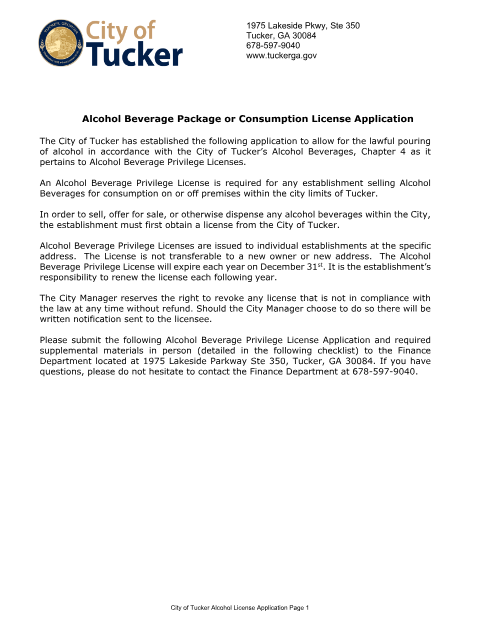
Preview the form
The blank PDF straight from Tucker. Look it over, then upload your filled copy to start the notary session.

You’ll need ID and a webcam.
A licensed online notary will join you on video, verify your government-issued ID, witness your signature, and apply their seal. You’ll receive the notarized PDF by email when the session ends.
Frequently asked questions
- How do I notarize the Tucker alcohol license application online?
- Complete the business, ownership, and licensee sections of the packet, then meet an online notary by video to sign the sworn pages under oath.
- Do I need a notary for this application?
- Yes, the packet's sworn statement pages must be signed before a notary as part of the required documentation.
- Who submits the alcohol license application?
- The business owner, licensee, or an authorized representative applying for the license.
- Where do I file the completed application?
- Submit it to Tucker's Finance Department at 1975 Lakeside Parkway, Suite 350, or check the city's licensing page for current filing instructions.