
Cooper, TX · Delta County
Contractor Registration Form
Contractors use this form to provide the City of Cooper with their company, contact, license, and employee information for registration.
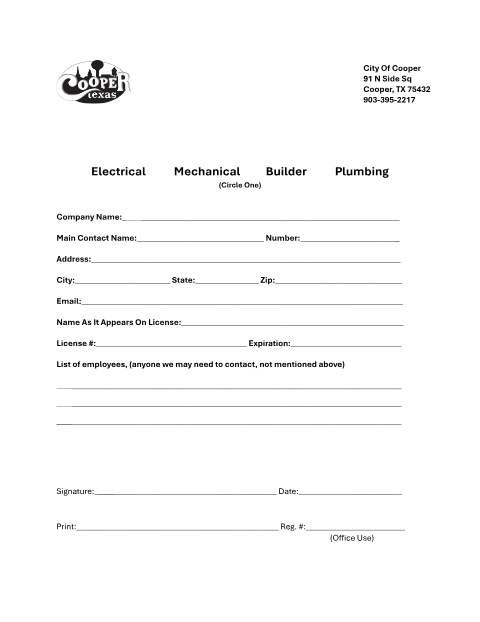
What this form is
The Contractor Registration Form collects information for electrical, mechanical, builder, or plumbing contractors registering with the City of Cooper. It asks for the company and main contact details, address, email, license name and number, expiration date, employee contacts, and the signer’s signature and date; the city office fills in the registration number.
Who needs it
Electrical, mechanical, builder, and plumbing contractors can use this form to provide their company and license information to the City of Cooper.
How to submit it
Submit it to the city department named on the form; check the city website for current contact details.
About notarization
This document is signed and dated without a notary; it lists no notarized or sworn attachment, so the signer just signs and dates it.
How to submit this form
- 1
Download The Form
Download the Contractor Registration Form PDF.
- 2
Complete The Form
Select the contractor type and fill in the company, contact, address, license, and employee information.
- 3
Sign And Date
Sign and date the form, and print the signer’s name.
- 4
Submit To The City
Submit it to the city department named on the form; check the city website for current contact details.
Frequently asked questions
- Do I need a notary for the Contractor Registration Form?
- No. The form calls for a signature and date but has no notary block or notarized attachment; the signer just signs and dates it.
- How do I submit the Contractor Registration Form?
- Submit it to the city department named on the form; check the city website for current contact details.
- What information does the form ask for?
- It requests the contractor type, company and contact details, license name and number, expiration date, employee contacts, signature, and date.