
Roseville · Placer County · California
Notarize Roseville documents online — in minutes
Connect with a licensed Florida online notary for any Roseville city form. No appointment and no driving — your documents are notarized remotely, by video, from anywhere.
- State-commissioned notaries
- Legally valid & recordable
- Remote Online Notarization (RON)
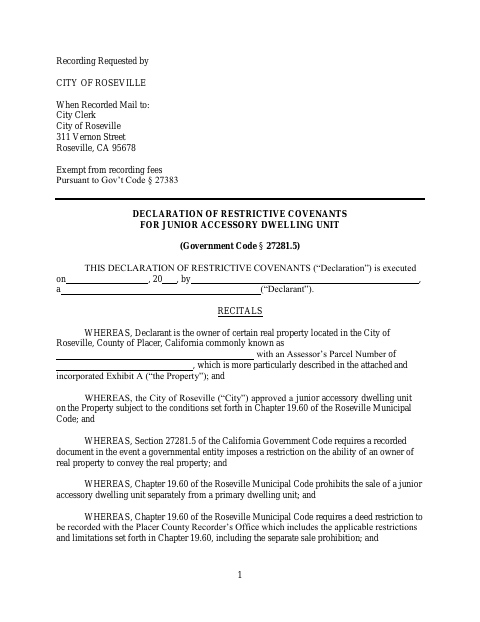
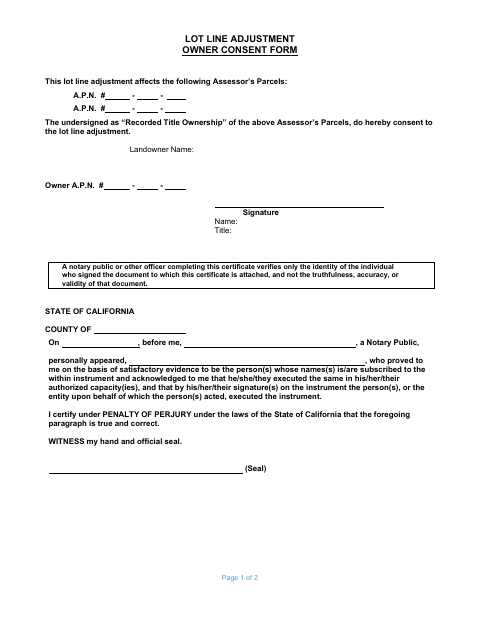
Roseville forms you can notarize online
Each of these Roseville forms must be signed in front of a notary. Upload it and a commissioned online notary completes it over video.
Other Roseville forms (no notary required)
Roseville documents you can download and submit yourself. No notary signature or stamp is needed for these.
Ministerial Ten-Lot Map Affidavit
Property owners complete this affidavit to certify requirements for a ministerial ten-lot map and submit it with their application to Roseville Development Services.
form
Ministerial Two-Lot Map Affidavit
Property owners complete this affidavit to acknowledge requirements for a ministerial two-lot map and submit it with their application to Roseville Development Services.
form
Owner Authorization Affidavit
Property owners use this form to authorize an applicant to seek permits or entitlements and represent them in a Roseville Development Services application.
form
Owner Builder Forms
Property owners seeking an owner-builder building permit complete and submit these forms to acknowledge their responsibilities and provide project and owner information.
application
Roof Mounted Photovoltaic Re-Installation Property Owner Acknowledgement
Homeowners complete this acknowledgement for a roofing permit that includes removal of a roof-mounted photovoltaic system.
form
About Roseville
Roseville is the largest city in Placer County, a major retail and healthcare hub northeast of Sacramento built around its historic Southern Pacific rail yards. Its Westfield Galleria and Fountains shopping districts anchor one of the region's busiest commercial corridors.
Whatever Roseville form you need notarized, Rush Notary connects you with a Florida-commissioned online notary in the same flow — no trip to City Hall required.
- County
- Placer County
- Type
- City
- Population
- ~148,000
- Incorporated
- 1909